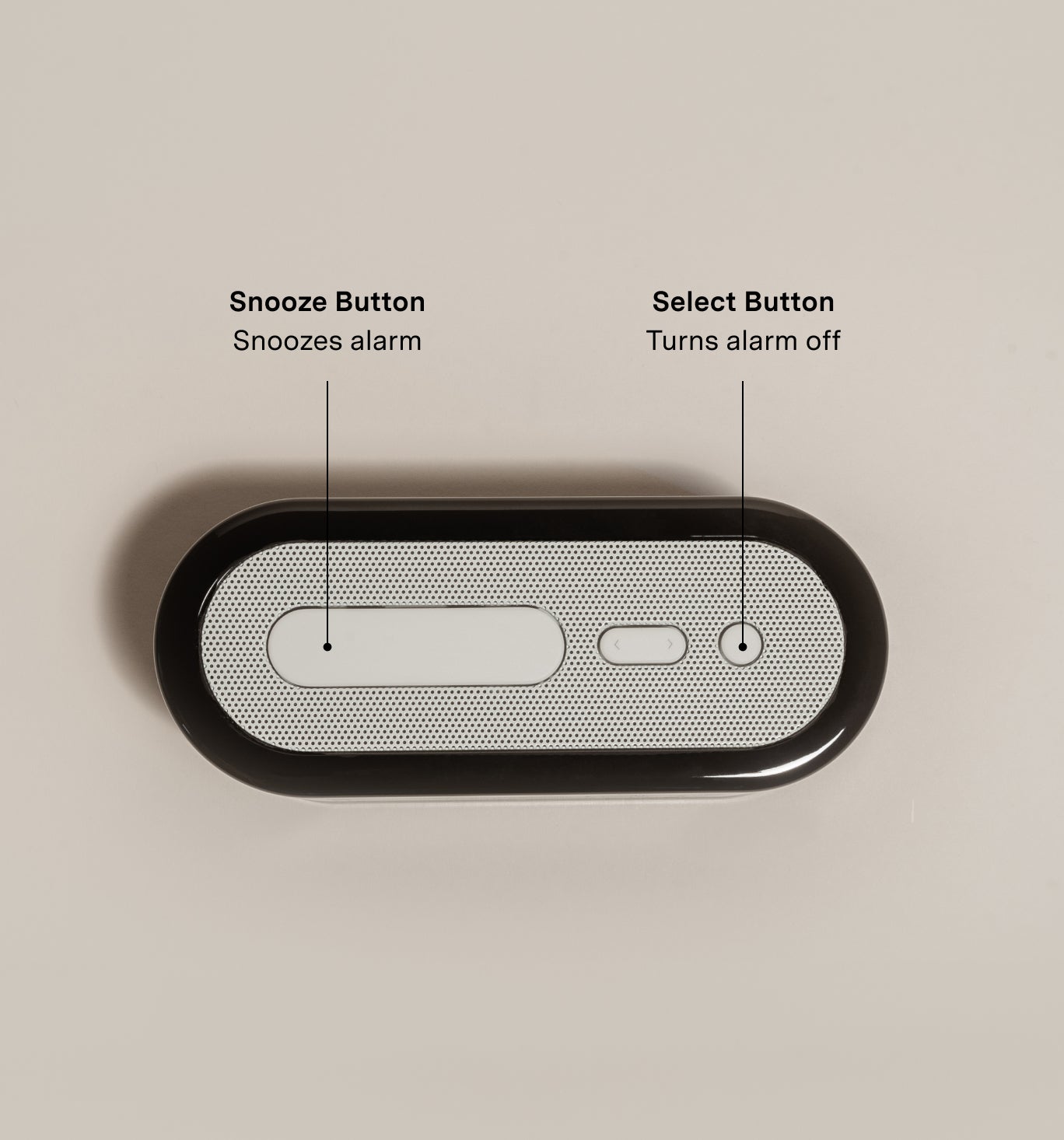
What’s the two phase alarm system?
Loftie’s unique two-phase alarm system consists of two different alarm sounds separated by a snooze.
The Wake-Up alarm will sound for 30-40 seconds and serves as a gentle wake-up for your brain. After the Wake-Up alarm, Loftie will automatically snooze. After the snooze, the Get-Up alarm will sound. This alarm is designed to get you up and out of bed.
You can turn off the alarm by pressing the small circular button on the top right of the Loftie. (Alternatively, you can always snooze the get-up alarm by pressing the large oval button, we support snoozing for all).
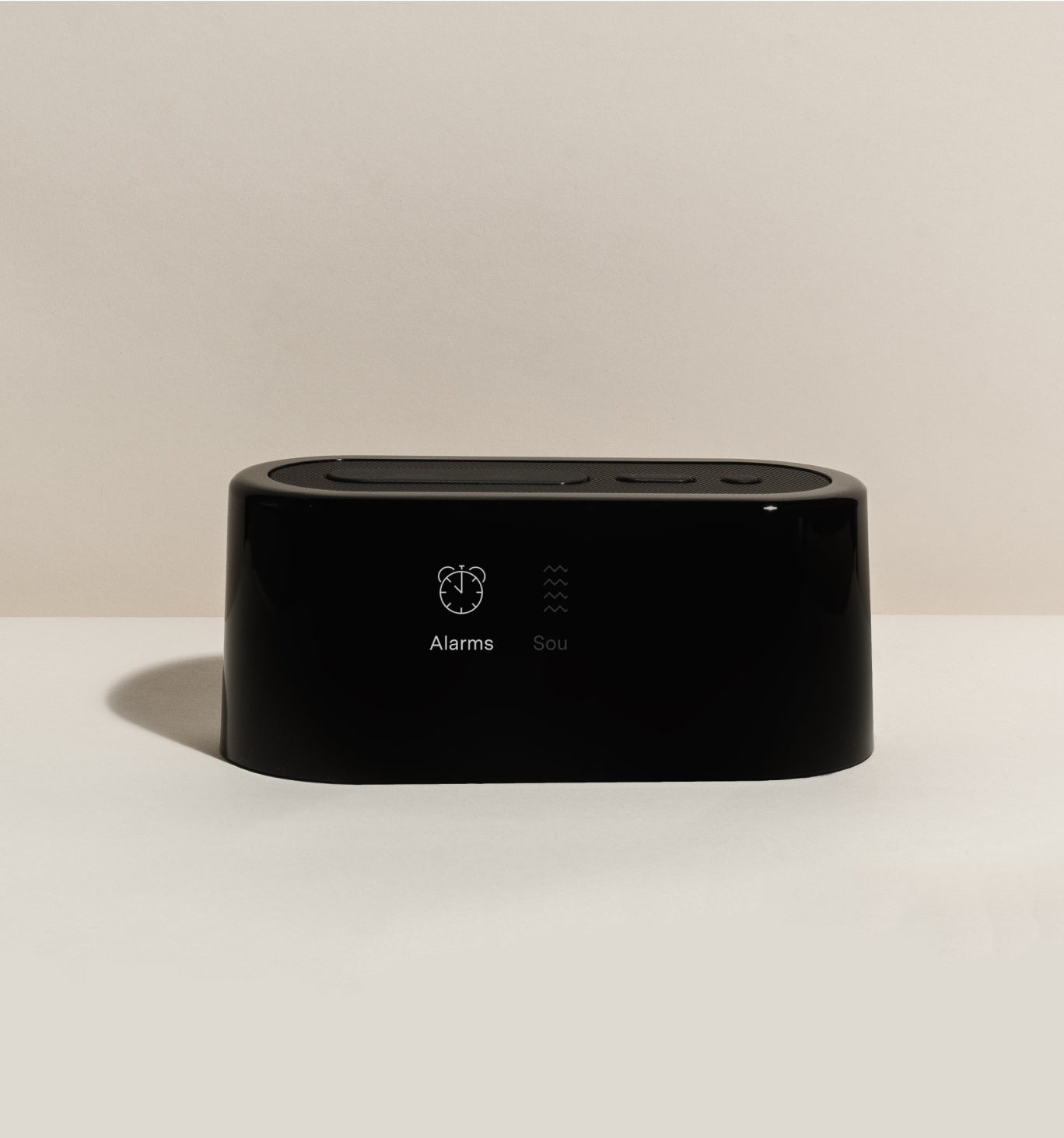
Set An Alarm - Loftie Clock
1. Navigate to Alarms: Use arrow buttons to go to "ALARMS" and press the circular button.
2. Create a New Alarm: Select "NEW" and set the time using arrow buttons and the circular button.
3. Choose Alarm Type: Select if it’s a one-time or repeat alarm. For repeat, choose the days.
4. Confirm: Press "Done" to save the alarm.
When you see a checked box next to an alarm time that means it’s set. You will also be able to see the next alarm time displayed on the lower-left corner of Loftie’s clock face.
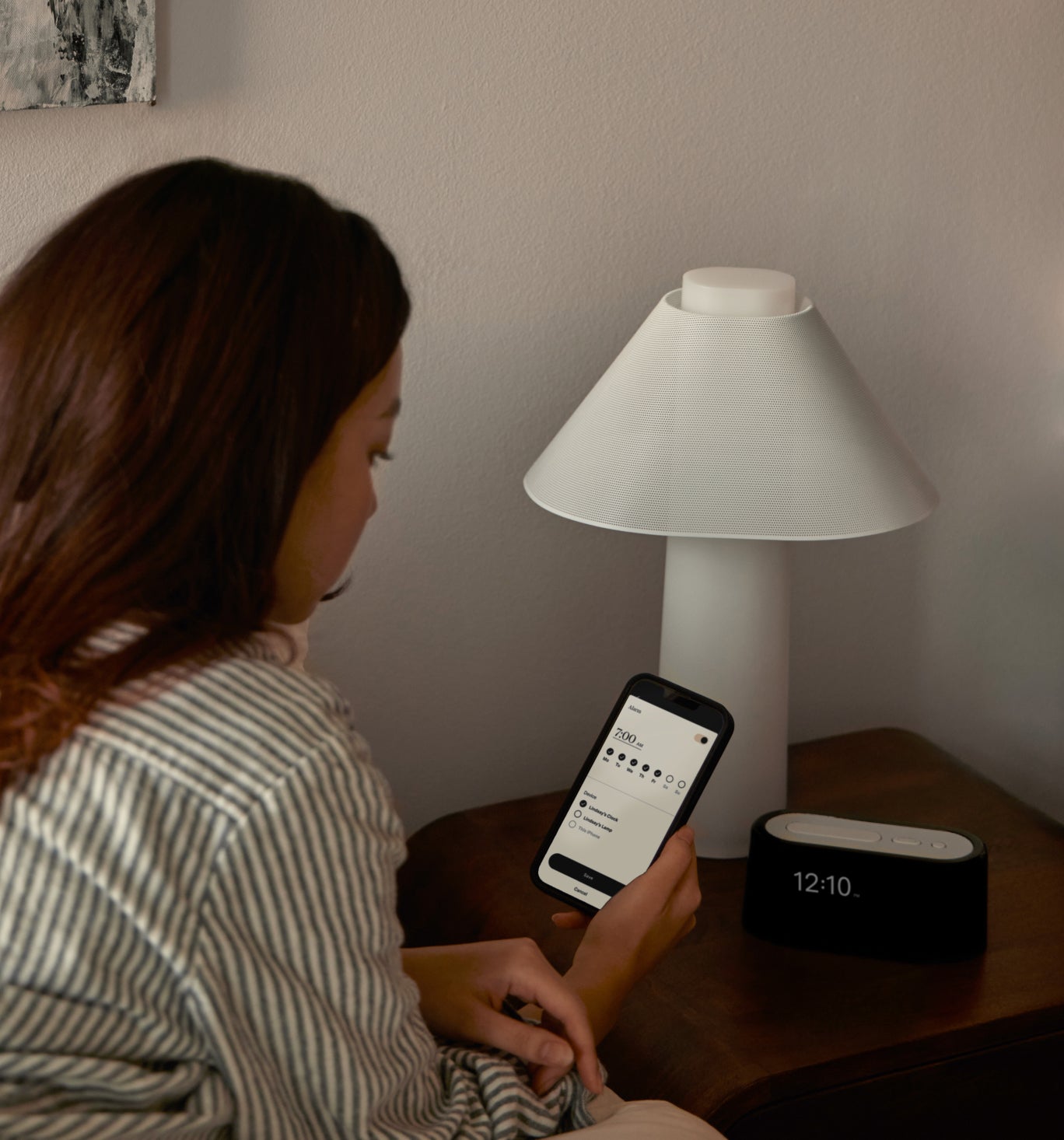
Set An Alarm - Loftie App
1. Open the Loftie App: Launch the app on your smartphone.
2. Go to the Alarm Icon: Tap on the "Alarm" section.
3. Add a New Alarm: Tap the "+" button.
4. Set the Time: Use the time picker to choose your alarm time.
5. Enable Repeat Alarm: Tap One-Time Alarm and select the days if you want a repeating alarm.
6. Save: Tap "Create Alarm" to save.
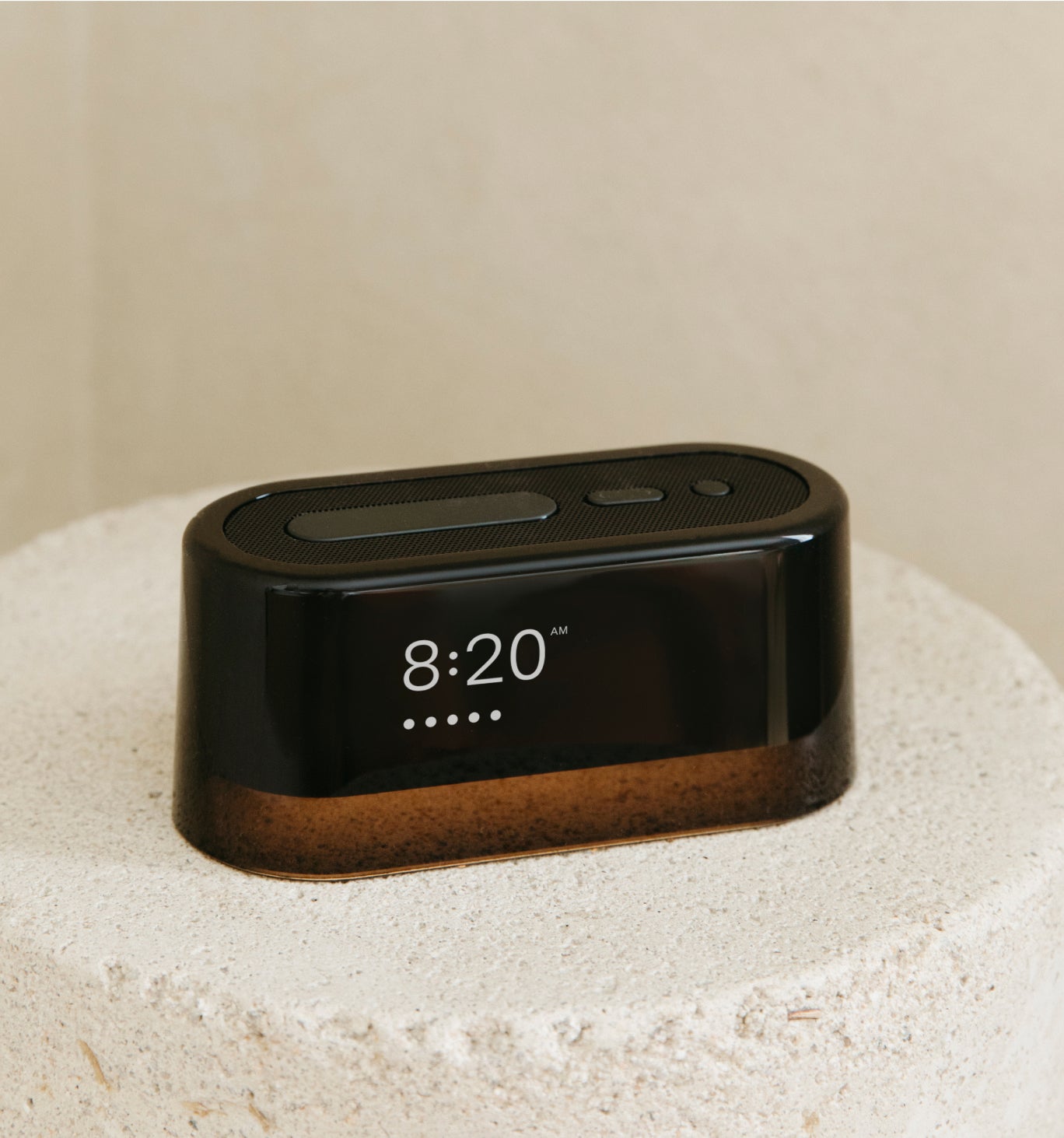
Snooze Time
The snooze default time is 9 minutes. If you want to change the snooze time, on the clock go to "Alarms" then to "Settings" and then to "Snooze Time" there you can choose 0, 3, 6, or 9 minutes.
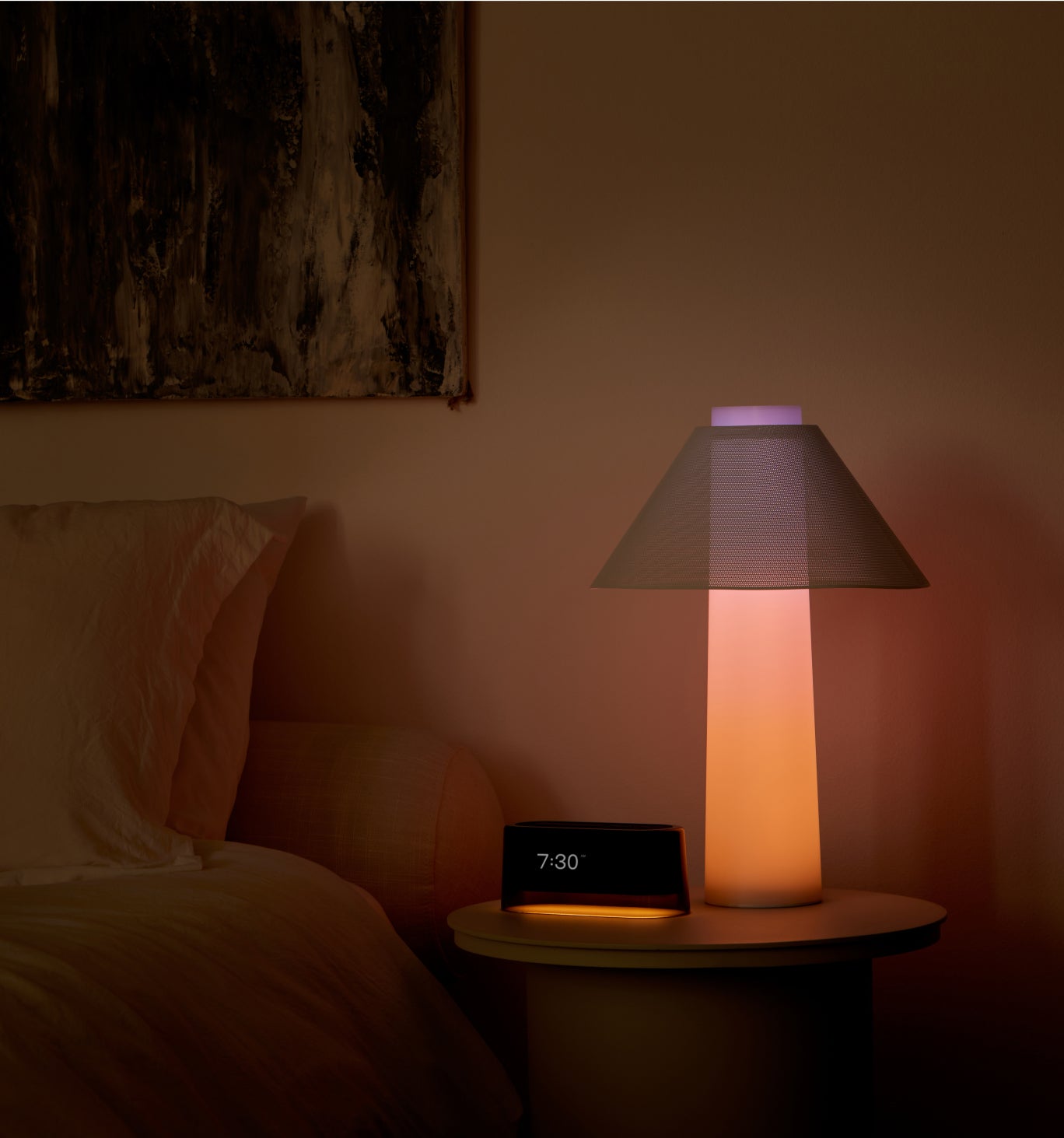
Alarms and Light
If you have a Loftie Clock: You can now choose to turn on the Nightlight as part of the wake-up.
If you have a Clock and a Lamp(s): When this feature is on, anytime you add an alarm on your clock, we’ll also set a (sunrise) alarm on your lamp(s).
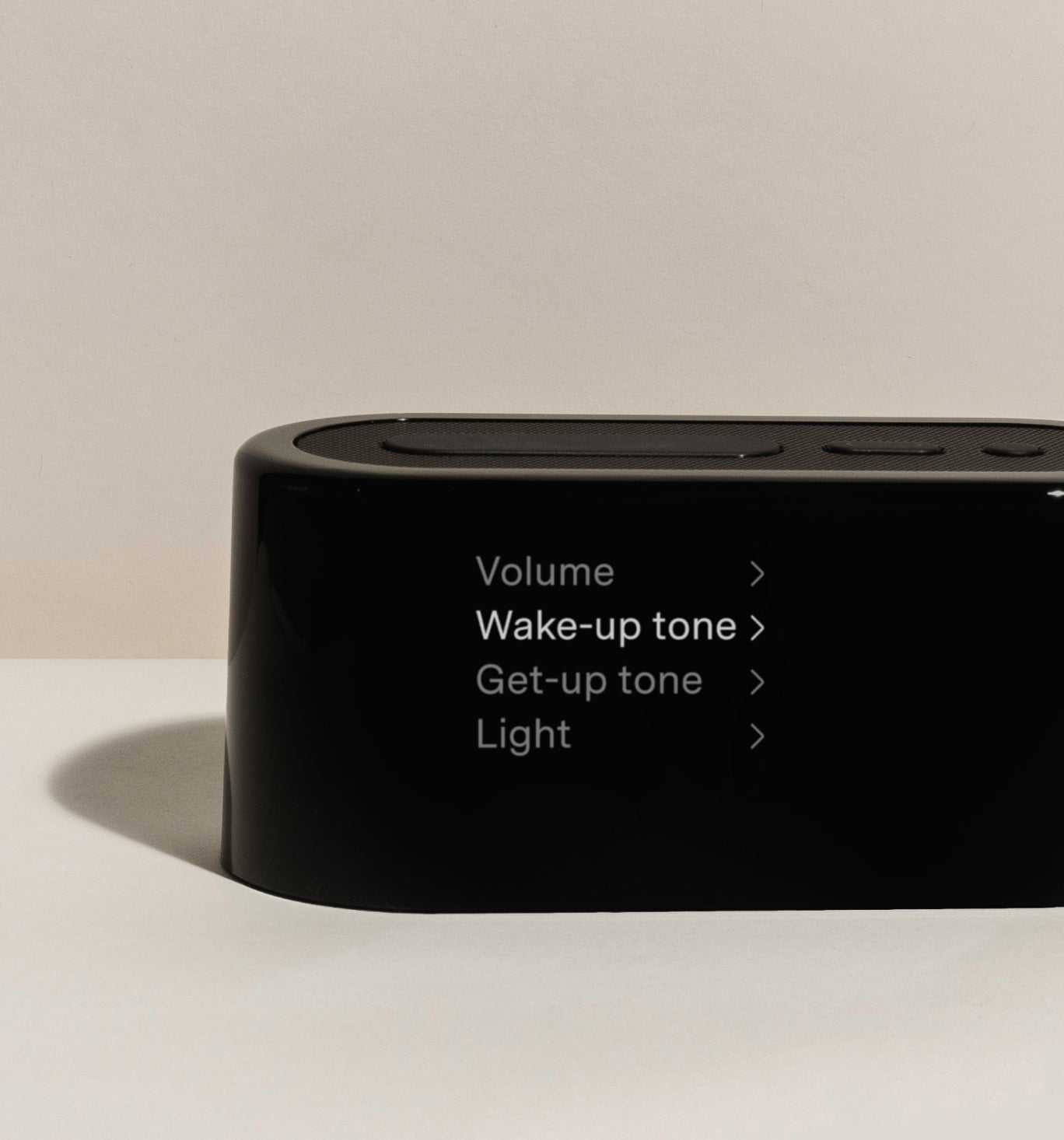
Change the Alarm Tone
To change the alarm tone through the app click on alarms in the menu at the bottom of the app. Then click on the Morning, there you will see a list of the alarms. At the top right you'll see the gear icon. Click that and then you can choose and preview the alarm sounds.
You change the alarm tone through the clock go to the Alarms menu. Then scroll down to Settings, there you will see Get Up and Wake Up. Choose which tone you'd like to change. You can also preview the alarms there as well.
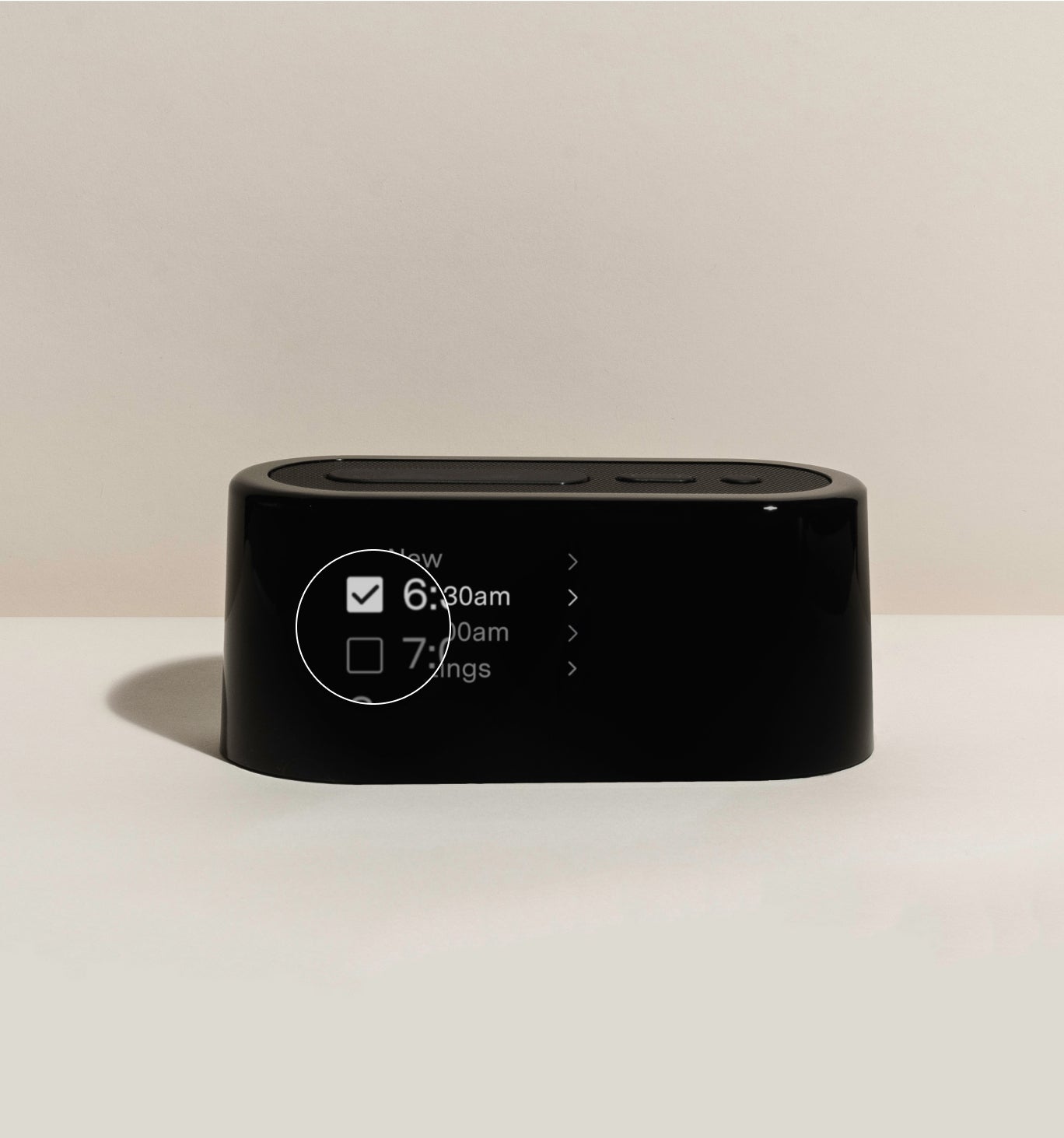
Unset An Alarm
To unset an alarm through the clock, use the arrow buttons to go to ALARMS and then press the small circular button to enter. Scroll down to the alarm you wish to unset and press the circular button to select it. Select UNSET.
To unset an alarm through the app, go to the "Alarms" menu, you can find that on the bottom of the screen. In the alarms you'll see a "Morning" and an "Evening" click that box and toggle the alarm off.
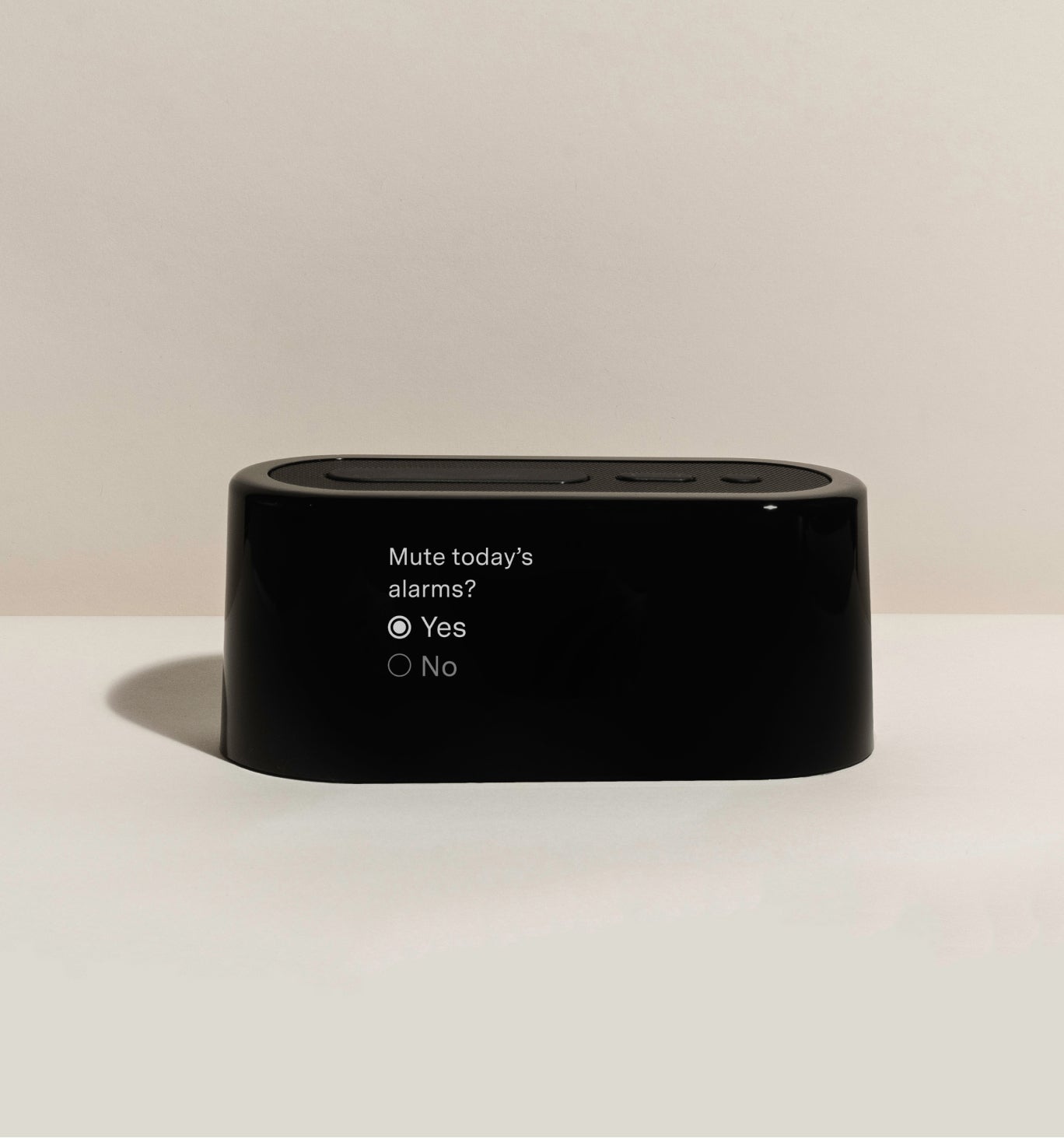
Mute Alarms
To mute the alarm on your Loftie Clock, press and hold the power/select button until the option to mute the alarms appears on the screen. When the prompt “Mute today’s alarms?” shows up, use the arrow button to navigate the selection. Once you’ve highlighted “Yes,” press the select button to confirm. This will mute all alarms for the day.
Rest, Relax, and Recharge with Loftie+
休憩
休憩